
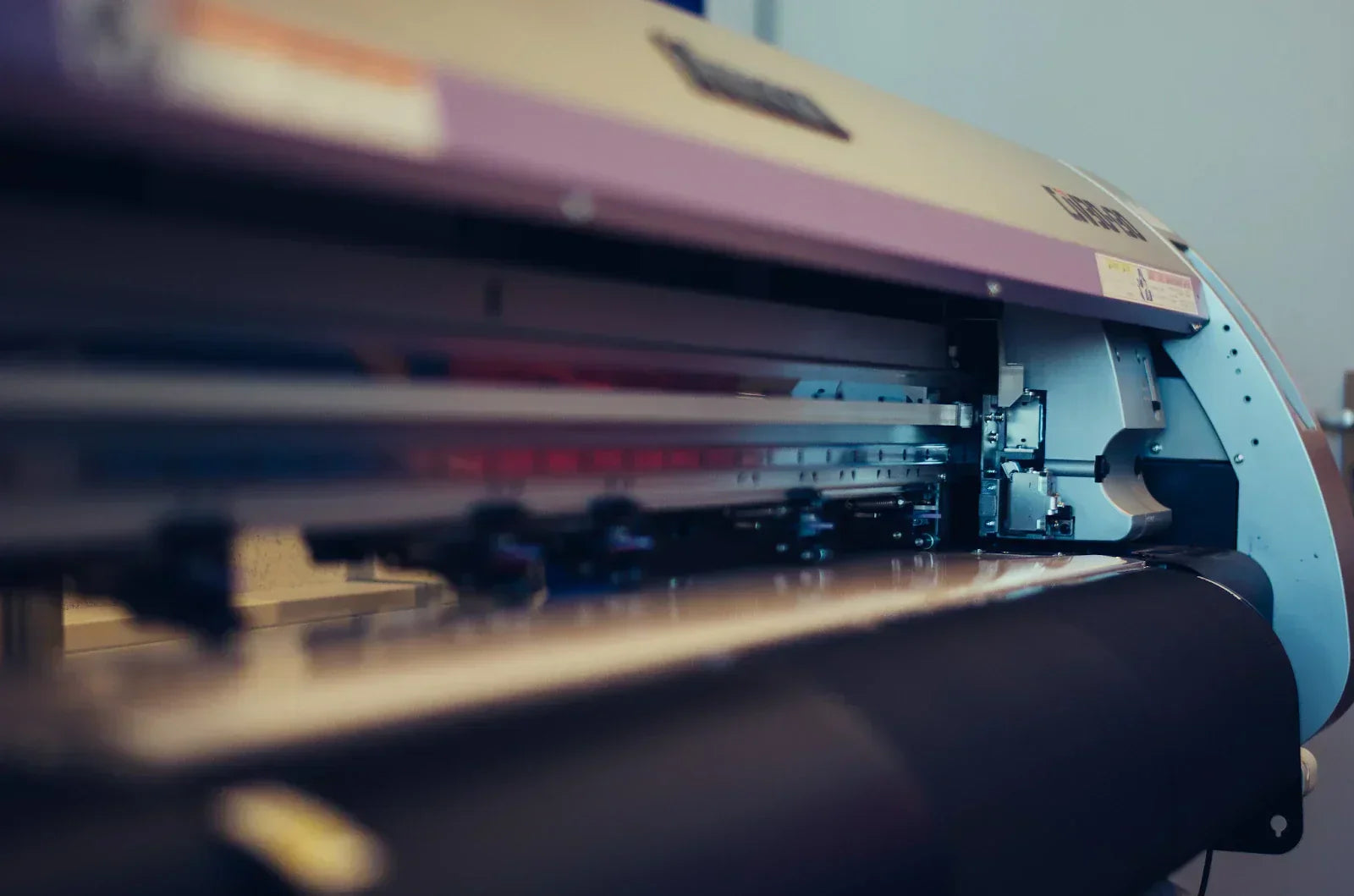
If you have ever wondered how long a printer lasts or how long it should last before performance drops, you are not alone. Whether you are using a home device, an office machine, or a commercial system, understanding printer longevity helps you plan upgrades, reduce expenses, and avoid sudden downtime.
Printers typically last 3–7 years, but their lifespan depends on usage, maintenance, printing volume, environmental conditions, and overall build quality.
Quick Answer: How Long Do Printers Last?
Here is a simple breakdown of the average life of a new printer, by category:
- Home inkjet: 2-5 years
- Office inkjet: 3-6 years
- Laser printers (office): 5-10 years max
- Wide-format, DTF, DTG & commercial printers: 7-15+ years with regular maintenance
Proper cleaning, changing worn parts, and using high-yield cartridges can double the functional life of most printing machines.
Regular maintenance, including printhead cleaning and proper cartridge use, is highlighted by manufacturers as crucial because printhead clogs and dried ink are major causes of premature failure.
Average Lifespan of a Printer by Type
Home Inkjet Printers (2–5 years)
Home printers are designed for light use and affordability. Most models rely on plastic gears and compact motors, which naturally limits long-term durability. Ink drying inside the head is one of the most common failure points, especially if the new printer sits unused for weeks.
These devices work well for low-volume users, occasional print jobs, and basic color prints. However, without regular use and maintenance, an old printer in this category can fail much sooner than expected.
Office Inkjet Printers (3–6 years)
Office printers are built with a higher duty cycle and stronger internal components than home units. They are designed to handle regular paper handling, scanning, and faster print speed demands.
Common issues include worn rollers, clogged heads, firmware errors, and general mechanical wear. With regular maintenance and proper ink cartridges, many office technology models last closer to the upper end of their expected life.
Laser Printers (5–10 years)
These printers are known for longevity. Built for high page yield and continuous small business use, they avoid clogging and drying issues by using toner instead of liquid ink.
Over time, components like drum units, rollers, and fusers wear out, but these parts are often replaceable. This makes it a popular choice for offices focused on reliability, lower operating costs, and consistent prints.
Wide-Format, DTF, DTG & Commercial Printers (7–15 years or more)
Commercial printers are engineered for industrial usage and long service life. With correct humidity control, proper cartridges, and disciplined printer maintenance, these machines can operate reliably for over a decade.
The lifespan of a new printer in this category depends heavily on:
- Printhead care
- Environmental conditions
- Replacing parts such as wipers and dampers
- Using manufacturer-approved cartridges
Many professionals buy new printers or source replacements and printhead components from Allprintheads to keep machines running longer instead of getting a new device.
What Determines How Long a New Printer Will Last?
Several key factors influence the lifespan of a printer. Understanding these helps you avoid premature replacement.
1. Print Volume & Duty Cycle
Every newer printer model has a recommended monthly duty cycle. Exceeding it regularly stresses motors, rollers, and internal components. Simply put, printing more than how many pages the machine is designed to handle shortens its life.
2. Type of Ink Cartridges Used
OEM typically performs better and reduces internal wear. Cheap or unstable cartridges can clog the print head, damage internal channels, and lower quality over time. Toner matters just as much for laser machines as for an old unit.
3. Maintenance Quality
Daily or weekly printer maintenance is critical, especially for wide-format, eco-solvent, and DTF systems. Regular cleaning of heads, rollers, and capping stations prevents buildup that causes long-term damage.
This is also where using proper cleaning solutions and replacement components makes a real difference.
4. Environmental Factors
Heat, dust, humidity, and infrequent use all shorten a new printer’s life. Ideally, devices should be stored in a clean, temperature-controlled office environment with moderate humidity.
5. Mechanical Wear
Over time, belts, gears, rollers, and fusers naturally degrade. This is normal wear and tear, not a manufacturing flaw. Replacing these components early can extend the life of the machine significantly.
Signs Your Printer Is Reaching the End of Its Life
Here are common warning signs that indicate it may be time to take action:
-
Frequent paper jams
Repeated paper jams usually mean worn rollers or feeding mechanisms. As these parts degrade, the new printer struggles to move paper smoothly, causing constant interruptions and wasted time. -
Declining print quality
Faded text, streaks, banding, or uneven color prints often indicate failing printheads, worn drums, or internal contamination that regular cleaning can no longer fix. -
Strange noises from gears or rollers
Grinding, clicking, or squealing sounds suggest worn gears or misaligned rollers. These noises often worsen over time and signal mechanical failure inside an all-in-one printer. -
Printhead clogs that won’t clear
If cleaning cycles fail repeatedly, the printhead may be permanently damaged. Severe clogs restrict flow and prevent consistent printing, even with proper maintenance. -
Firmware errors or outdated drivers
Frequent error messages or compatibility issues occur when manufacturers stop updating software. This limits functionality and causes reliability problems with newer operating systems. -
Slow printing, despite troubleshooting
When print speed drops significantly despite clean control panels, heads, and updated systems, internal components may be worn, struggling to process print jobs efficiently. -
Replacement parts are no longer available
When manufacturers discontinue parts, troubleshooting becomes expensive or impossible. Lack of available components often makes replacing the printer more practical than troubleshooting it.
What Others Don’t Tell You
Voltage spikes, outdated firmware, dust, and humidity quietly shorten printer life. Cheap cartridges and delayed part replacements cause clogs and wear. Even long idle periods can dry ink. Regular maintenance, quality supplies, and a stable environment often extend lifespan by 2-3 years beyond expectations.
Should You Repair or Replace Your Printer?
Making the right choice saves both money and downtime.
Repair If:
-
Clogged heads cause print quality issues.
Temporary quality problems caused by clogged printheads can usually be resolved with proper cleaning or replacing parts, making troubleshooting a cheaper option. -
Rollers or belts can be replaced
Worn rollers or belts are common wear items. If replacing the parts is affordable, troubleshooting these parts restores normal paper handling and extends printer life. -
Firmware is fixable
Technology glitches or firmware errors can often be resolved through updates or resets, restoring normal functionality without expensive cartridges and hardware fixes. -
Parts are easy to source
When parts are widely available and reasonably priced, troubleshooting the printer is practical and avoids the immediate expense of purchasing a new device. AllPrintHeads is the most reliable place to source parts for new, old, or refurbished printer models from HP, Epson, or other brands.
HP (an authoritative manufacturer site) outlines maintenance tips that help prevent premature wear, such as using genuine cartridges, updating drivers, printing regularly, and keeping the printer in a proper environment.
Replace If:
-
Repair costs exceed 50% of replacement costs.
If expenses approach or exceed half the price of a replacement printer, investing in a new machine offers better long-term value and reliability. -
Parts are discontinued
When manufacturers stop producing parts, fixing them becomes difficult or impossible, making replacement the smarter and more sustainable choice. -
The printhead is permanently damaged
A severely damaged printhead often costs nearly as much as a new printer, making replacement more economical than attempting a complex overhaul. -
Printer no longer meets speed or volume needs
If your printer cannot keep up with the required print speed or volume, upgrading ensures efficiency, reliability, and improved performance for current printing demands.
Sometimes upgrading to a newer printer model improves efficiency and reduces operating costs in the long run.
How to Make Your Printer Last Longer (Expert Tips)

“Prolonging the life of your printer requires a combination of regular maintenance, strategic usage, and proactive care practices that prevent wear and tear.” Printer care and maintenance guidance, Reach Technologies.
With consistent care, you can extend a printer’s life by 2-3 years or more. Follow these tips:
1. Use High-Quality Ink & Toner
High-quality ink flows more consistently and reduces internal wear. Inexpensive cartridges often cause clogs, leaks, and poor prints. Using manufacturer-approved supplies from AllPrintHeads.com protects printheads, maintains color accuracy, and reduces long-term expenses while improving reliability and extending the overall lifespan of a printer.
2. Clean Printheads & Rollers Regularly
Regular cleaning prevents buildup, dust accumulation, and paper debris from damaging internal parts. Schedule weekly or monthly maintenance based on usage. Proper cleaning keeps prints consistent, improves paper feeding, and reduces strain on motors, rollers, and the printhead system over time.
Here’s a simple weekly and monthly maintenance checklist that is practical, easy to follow, and works for most manufacturers and printers.
- Run a nozzle check or test print of your current printer
- Use built-in cleaning cycles to clear minor clogs
- Clean printheads and rollers with approved solution
- Check paper path for dust or debris
- Inspect wipers, dampers, and capping stations
- Change parts when required
- Firmware or software updates when available
- Run a final test page in draft mode to confirm quality
3. Keep Your Printer in a Stable Environment
Printers perform best in clean, temperature-controlled spaces. Excess heat, humidity, or dust can damage electronics and mechanical parts. Maintain moderate humidity between 40 and 60%, avoid direct sunlight, and keep the new printer away from vents, windows, or high-traffic areas to prevent premature wear from dust.
4. Print at Least Once a Week
Printing regularly keeps ink flowing and prevents it from drying inside the printhead. Even a small test page each week helps reduce clogs, maintains nozzle health, and ensures your printer is always ready for important print jobs without sudden performance issues.
5. Replace Consumables on Time
Parts like rollers, wipers, dampers, and waste pads wear out naturally. Replacing them early prevents damage to more expensive components. Timely replacing improves reliability, reduces unexpected downtime, maintains consistent quality, and significantly extends the overall life of your same model printer.
Example:
At a small marketing firm in London, the team relied on an Epson WorkForce Office printer for daily document printing. Initially, the printer began showing faded text and frequent paper jams after 3 years. By implementing a strict weekly maintenance routine, cleaning printheads, checking rollers, and using high-yield genuine ink cartridges, the team was able to extend the printer’s life by over 2 additional years.
How Long Do Printheads Last?
Printheads generally last 1-3 years, depending on usage, type, and maintenance. DTF and eco-solvent systems require the most consistent care.
Popular printhead types are used across Epson printers, Canon printers, HP devices, and Brother systems. Proper cleaning and correct ink dramatically extend printhead life.
Printer Lifespan Chart
| Printer Type | Average Lifespan | Maintenance Level | Common Failures |
|---|---|---|---|
| Home Inkjet | 2-5 years | Low-Medium | Clogs, rollers |
| Office Inkjet | 3-6 years | Medium | Heads, firmware |
| Laser | 5-10 years | Medium | Fuser, drum |
| Commercial | 7-15+ years | High | Consumables |
Conclusion
So, how long does a printer last? The honest answer is that most printers fall between 3 and 7 years, but proper maintenance, smart usage, and quality consumables can dramatically extend that life. Whether you fix, change, or upgrade, planning ahead keeps your printing workflow smooth and cost-effective.
Understanding how long printers last helps you make smarter decisions about maintenance, repairs, and upgrades. While most devices have a predictable lifespan, consistent care, quality supplies, and timely changing of the parts can significantly extend performance. Paying attention to warning signs allows you to avoid downtime, manage costs better, and keep quality reliable as your printing needs evolve.
If your printer needs reliable components, ink cartridges, or a new printhead, explore Allprintheads today and keep your printer running longer with confidence.
FAQs
What is the average life of an inkjet printer?
The average life of an inkjet printer is two to five years, depending on usage, ink quality, maintenance habits, and how often the printer is used.
How long do laser printers usually last?
They typically last five to ten years because they use toner instead of liquid and are built for higher monthly print volumes.
What is the life expectancy of a home printer?
A home printer usually lasts between two and five years, depending on print frequency, maintenance, environmental conditions, and whether quality ink cartridges and paper are used.
How do I know when my printer needs to be replaced?
Frequent paper jams, declining print quality, constant error messages, unavailable parts, and high repair expenses are strong indicators that getting new is the better option.
Is it worth it to fix an old printer?
Fixing an old printer is worthwhile when it requires less money, parts are available, and the printer still meets your printing needs and performance expectations. Getting a refurbished printer is another option worth considering.
